ChatGPT-Only Local SEO Framework: The Invisible Signals That Nobody Talks About
What Does an SEO Agency Actually Do?
The Real Reason Your Business Doesn’t Show Up on Google Maps (And Exactly How to Fix It)
You search for your own business on Google Maps. Nothing. Or worse, your competitor shows up right at the top, and you’re nowhere to be found.
It feels unfair. You’ve been in business longer. You have better reviews from actual customers. But somehow, they’re on the map, and you’re not.
The Truth is, this is not about luck. It’s not about who has the bigger budget either. Google Maps has a very specific system for deciding who shows up, and once you understand it, you can fix it.
Let’s break it down.
First - Why Does Google Maps Even Matter?
Before we get into the fixes, let’s talk about why this is so important for your business.
When someone searches for a service near them , “accountant near me”, “best restaurant in London”, “plumber in Dubai” , Google shows a map with 3 businesses at the very top. This is called the “Local 3-Pack.”
📊 Studies show that the top 3 results on Google Maps get over 70% of all the clicks. If you’re not in those 3 spots, most customers never even see you.
These are people who are already looking to buy, not just browsing. They have their phone in hand and are ready to call, visit, or book. Being visible on Google Maps is like having a billboard on the busiest street in your city, except it’s free.
The 7 Reasons Your Business Is Invisible on Google Maps
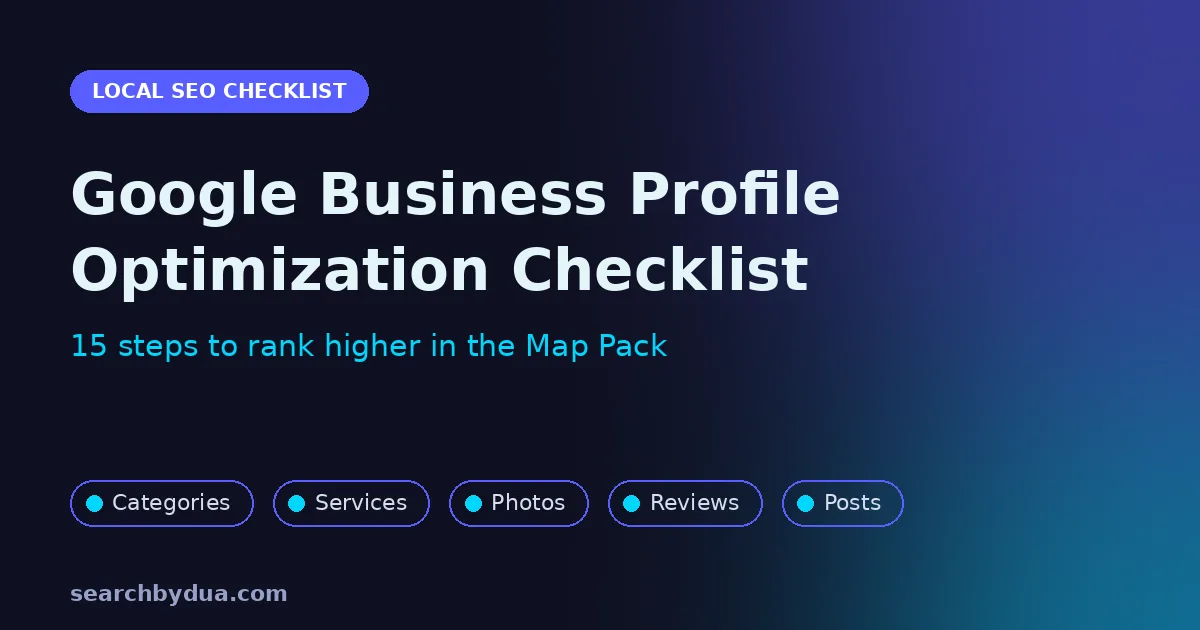
01. You Haven’t Claimed Your Google Business Profile
This is the most common reason, and the most fixable. Google Maps works through something called a “Google Business Profile” (it used to be called Google My Business). If you haven’t created and verified your profile, Google simply doesn’t know enough about your business to show it. Think of it like this: Google won’t recommend a restaurant it has never heard of. You need to register your business officially so Google can trust it.
✅ Fix: Go to business.google.com, create your profile, and verify your business. It’s free and takes about 15 minutes.
02. Your Business Information Is Incomplete or Inconsistent
Google is obsessed with accuracy. If your phone number on Google Maps is different from the number on your website or if your address is written differently in different places, Google gets confused and drops your ranking. Even small things like writing “Street” vs “St.” in different places can hurt you.
✅ Fix: Make sure your business name, address, and phone number are exactly the same everywhere online, your website, Google Maps, Facebook, Instagram, and any directory you’re listed in.
03. You Have Zero Reviews or Haven’t Responded to Them
Google Maps rewards businesses that people trust. Reviews are one of the biggest signals of trust. A business with 50 reviews will almost always outrank a business with 2 reviews, even if the one with 2 reviews is technically better. And it’s not just about having reviews. Google also looks at whether you respond to them. Responding to reviews tells Google you’re an active, engaged business.
✅ Fix: Ask your last 10 customers to leave a Google review. Send them the direct link. Then respond to every review, good or bad, professionally.
04. Your Profile Has No Photos
Businesses with photos on Google Maps get 42% more requests for directions and 35% more website clicks than businesses without photos. Google also uses photos as a signal that your business is real and active. An empty profile with no photos looks abandoned, and Google treats it that way.
✅ Fix: Upload at least 10 clear photos of your business, your shop front, your team, your products or services, and even happy customers (with permission).
05. You’re Not in the Right Category
When you set up your Google Business Profile, you choose a “category” for your business. This tells Google what kind of searches to show you. Many business owners pick a vague category or the wrong one entirely, and then wonder why they’re not appearing in the right searches.
✅ Fix: Go into your Google Business Profile and make sure your primary category is as specific as possible. For example, don’t just choose “Restaurant”, choose “Pakistani Restaurant” or “Fast Food Restaurant” depending on what you actually are.
06. You’re Not Posting Any Updates
Most business owners set up their Google profile once and never touch it again. But Google rewards active businesses. Google Business Profile lets you post updates, offers, events, and new products, just like social media. Businesses that post regularly get a visibility boost from Google.
✅ Fix: Post one update per week on your Google Business Profile. Share a special offer, a new service, a customer success story, or even a tip related to your industry.
07. Your Website Has No Local Signals
Google Maps doesn’t just look at your Google Business Profile. It also looks at your website. If your website doesn’t clearly mention your city, your location, or the areas you serve, Google has a harder time connecting your website to local searches. This is especially common with businesses that have a generic website that could be from anywhere in the world.
✅ Fix: Make sure your website mentions your city and country clearly. Add a contact page with your full address. If you serve multiple areas, create separate pages for each location.
Your Quick-Fix Google Maps Checklist
Go through this list right now. Each item you tick off will improve your chances of showing up:
✓ | Action Item |
☐ | Claim and verify your Google Business Profile |
☐ | Fill out every single section of your profile (hours, services, description) |
☐ | Make your name, address, and phone number consistent everywhere online |
☐ | Upload at least 10 photos of your business |
☐ | Get your first 10 Google reviews from real customers |
☐ | Respond to all existing reviews |
☐ | Choose the most specific category that fits your business |
☐ | Post one update on your Google profile this week |
☐ | Add your full address and city to your website contact page |
☐ | Make sure your website loads fast on mobile |
How Long Will It Take to Start Showing Up?
This is the question every business owner asks, and the honest answer is: it depends.
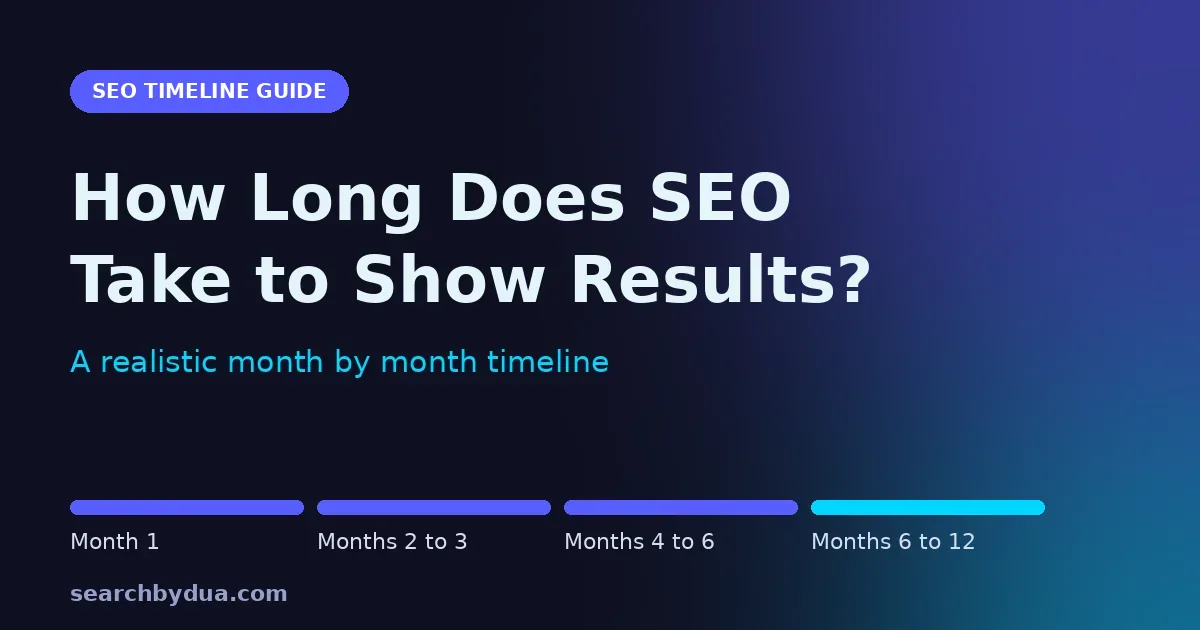
If you’ve never claimed your profile before, you might see results within 2–4 weeks once you verify and complete it. If you’re in a competitive city or industry, it might take 2–3 months of consistent effort.
But what’s most people get wrong: they do everything once and then wait. Google Maps rewards consistency. The businesses that show up at the top are the ones that keep their profile fresh, new photos, new posts, and new reviews coming in regularly.
🌱 Think of Google Maps like a garden. You can’t plant seeds today and expect fruit tomorrow. But if you water it consistently, it will grow and once it does, it keeps giving.
The Bottom Line
Showing up on Google Maps is not magic. It’s not about having the most money or the fanciest website. It’s about giving Google the information it needs to trust and recommend your business.
The businesses winning on Google Maps right now are not necessarily the best businesses in their city. They’re the ones who understood this system and followed it consistently.
You now know exactly what they know. The only question is: will you act on it?
🚀 Want Us to Check Why Your Business Isn’t Showing Up?
We offer a free Google Maps audit for business owners. We’ll look at your profile, tell you exactly what’s missing, and show you how to fix it, at no cost.

Related posts